
How to Fix Am I Nima Gray Screen After Unity Logo
Fix the Am I Nima gray screen after the Unity logo by pressing Enter to start, unplugging connected controllers, and cycling the game on Steam.
To get past the Am I Nima gray screen after the Unity logo, press Enter once the background music begins, or unplug any connected controllers and restart the game twice. As of 2026-11-28, developer HO! Games has not posted a permanent patch note for this startup display bug on the Am I Nima Steam store page or forums, so these player-verified workarounds remain the fastest way into the game.
How to Fix the Startup Gray Screen
Players who hit a solid grey screen—or what looks like a black screen launch stall—right after the Unity splash logo are still loading the active title menu underneath. Because the client keeps accepting input even when the menu fails to draw, try the quickest bypass before changing anything else.
| Workaround | Steps to Try | Reported Result |
|---|---|---|
| Keyboard start bypass | Wait for background music after the Unity logo, then press Enter. | Skips past the blank title screen straight into gameplay. |
| Controller disconnect + restart | Unplug any connected controllers, then close and relaunch the game up to two times. | Clears the gray screen on several desktop PC setups. |
| Clean relaunch cycle | Exit the game completely and reopen it through Steam. | Resolves the issue intermittently on some systems. |
Start by pressing Enter on your keyboard as soon as audio kicks in. In the Steam Discussions gray screen bug thread, players found that this single key press starts a run even when the menu visuals stay hidden behind the blank screen.
If pressing Enter does not get you past the splash freeze, disconnect every controller attached to your PC, exit the game, and relaunch it—cycling the program twice if the first reboot still hangs. Multiple desktop players cleared the startup bug that way without altering any other setting. Once the title screen renders properly, check our controller and Steam Input guide before plugging a gamepad back in, or review our Steam Deck compatibility guide if you are troubleshooting on handheld hardware with built-in controls.
Do not count on verifying local files or opting into a Steam beta branch as your first fix. The original bug reporter tested both steps with no change. If you decide to reinstall anyway, back up your progress first using our PC and Mac save file location reference.

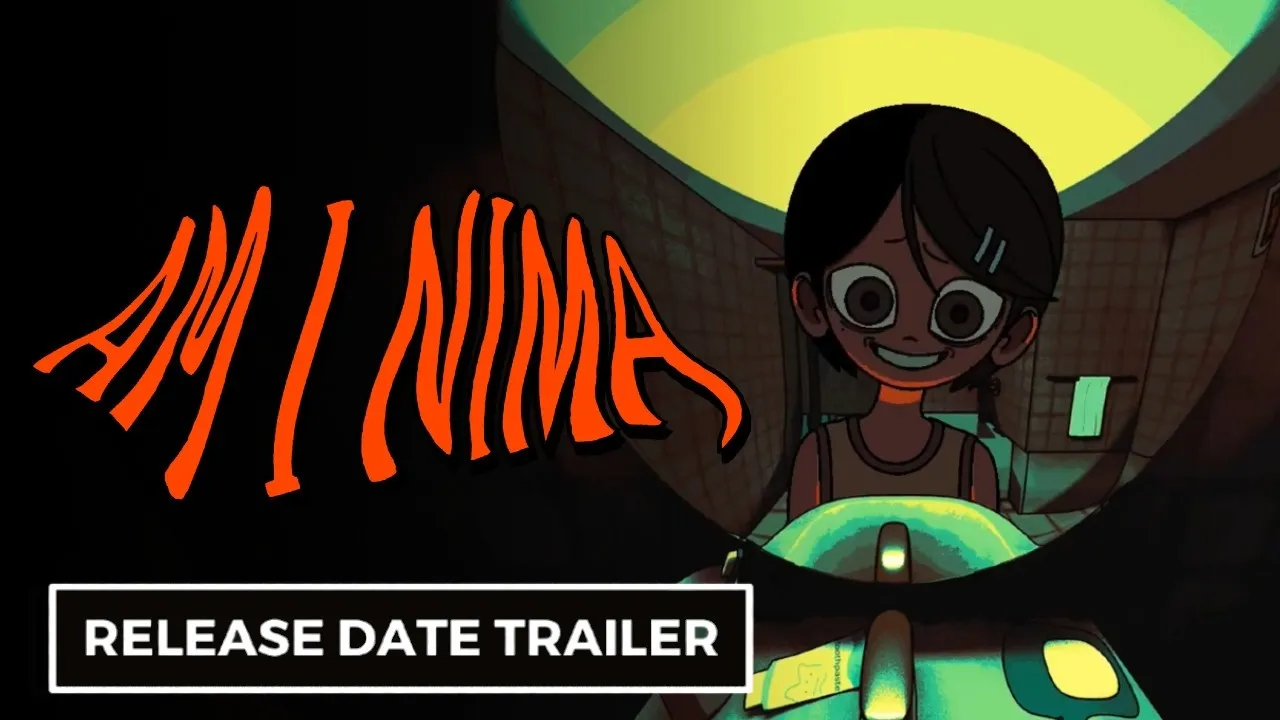
Am I Nima - Official Release Date Trailer
Confirmed Symptoms and Affected Setups
You are encountering this Unity startup bug—rather than a full crash—if the game plays the Unity logo, cuts to an empty gray screen, and keeps looping background music. Pressing Esc also produces a squishing sound effect on every other press, which shows the game is still running and reading inputs behind the blank display.
Early forum comments questioned whether the issue was tied to the AMD Ryzen 5 3600X chipset after two separate players reported identical symptoms on that CPU paired with an NVIDIA GeForce RTX 2060. A later report on an Intel i7-14700F with an RTX 4060 and 32 GB of RAM confirmed the bug happens across different CPU and GPU hardware.
Laptop players using only a keyboard and touchpad have also reported the same grey screen with no controller connected. On those setups, pressing Enter or restarting the client is currently the main workaround until HO! Games pins down the cause—the studio replied in the thread and asked affected players to follow up if the bug returns.
Once you load into the basement and begin exploring, separate technical snags can still pop up mid-run. If dialogue stalls during a conversation rather than on startup, use our stuck dialogue and freeze fix. For progression blockers tied to word combination puzzles, see the Obsession softlock bug fix alongside our steps on how to get Obsession.
FAQ
Does verifying Steam files or switching to the beta branch fix the gray screen?
No. According to the original Steam Discussions bug report, neither verifying game file integrity on Steam nor switching to the beta version removed the gray screen after the Unity logo. Pressing Enter or disconnecting controllers before restarting has worked far more reliably.
Is the Am I Nima gray screen caused by a specific CPU or graphics card?
No. Although two early reports came from players running AMD Ryzen 5 3600X processors, another player later logged the exact same Unity-to-gray-screen behavior on an Intel i7-14700F with an NVIDIA GeForce RTX 4060, and laptop users have hit the issue too.
What should I try if I get the gray screen without a controller plugged in?
Wait for the background music to begin after the Unity logo and press Enter to start directly past the blank menu. If that does not respond, close and relaunch the game a couple of times, since some players saw the bug clear on a later launch, and post your specs in the official Steam Discussions thread so HO! Games can track keyboard-only cases.
Related Articles
fixes
Does Am I Nima Have Controller Support? Controls Guide
Native Am I Nima controller support is unconfirmed as of 2026-11-28. See how its mouse point-and-click controls work and how to bind Steam Input.
fixes
Am I Nima Save File Location & Backup Guide (PC/Mac)
Where to check for Am I Nima save files on PC and Mac, what HO! Games confirmed about Save and Load in 1.0, and safe backup habits for ending routes.
fixes
Am I Nima Stuck Bug Fix: Freezes, Menus & Duplicate Words
Fix Am I Nima startup freezes, missing menus, and duplicate word bugs by running the .exe directly, unplugging controllers, or pressing Enter.
Was this helpful?
Thanks for the feedback!